Example 1
Grid
Display Instagram Location posts in a clean grid layout that showcases visual content clearly and helps visitors explore posts from a specific location.
What are you looking for?
 See it in action
Showcase location-specific Instagram posts on your website to engage visitors with authentic local experiences and boost your brand's connection with the community.
Examples
Every example below is a real, fully-customizable instagram location design. Preview it live or make it yours in one click.
Display Instagram Location posts in a clean grid layout that showcases visual content clearly and helps visitors explore posts from a specific location.

Display Instagram Location posts in an interactive carousel layout that lets visitors browse visual content smoothly while keeping your website clean and engaging.

Display Instagram Location posts in a sleek dark mode grid layout that showcases visual content clearly while giving your website a modern, polished look.

Display Instagram Location posts in a sleek dark mode carousel layout that lets visitors browse visual content smoothly while giving your website a modern, engaging look.

Display Instagram Location posts in a stylish midnight grid layout that showcases visual content clearly while giving your website a bold, refined look.
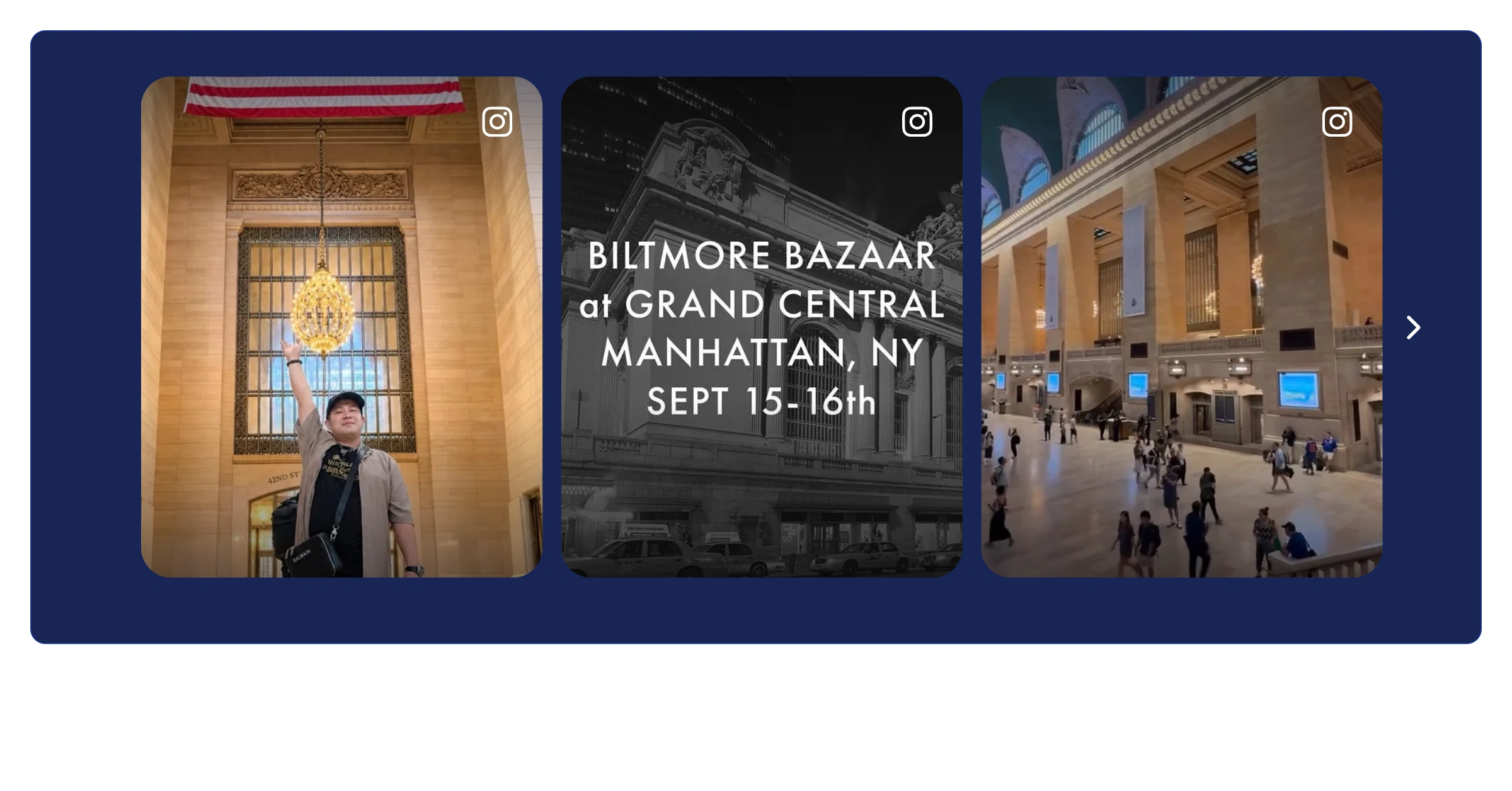
Display Instagram Location posts in a stylish midnight carousel layout that lets visitors browse visual content smoothly while giving your website a bold, refined look.
Why add it
Social proof works. Showing a live instagram location on your site tells visitors that real people trust you — and that nudges them to convert.
Sign up free and start your instagram location in seconds.
Start from any example above and match your brand colors, fonts and layout.
Copy one line of code and paste it on your site. Done.
Start from any example above. Create your instagram location free — no credit card, no coding.
Create your widget free