Most popular
Masonry
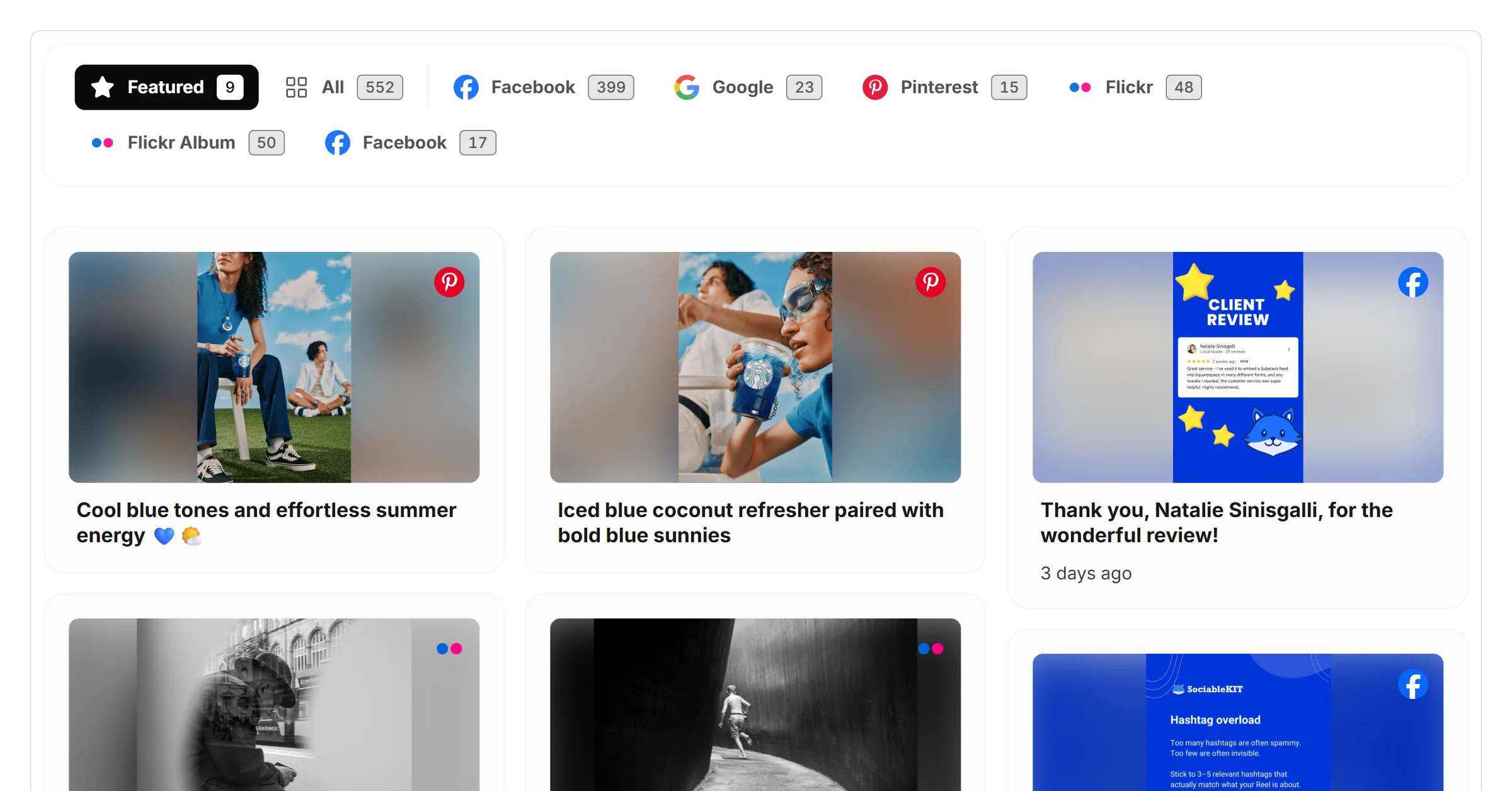
Display your photos in a dynamic masonry layout that showcases images beautifully and makes it easy for visitors to explore your gallery.
What are you looking for?
 Example gallery
This SociableKIT widget can help you combine photos from different sources such as Facebook, Pinterest, Flickr, and more. Users can also upload photos using the SociableKIT dashboard.
Examples
These 8 photo gallery examples are production-ready. Tweak the colors, fonts and layout to match your brand.
Display your photos in a dynamic masonry layout that showcases images beautifully and makes it easy for visitors to explore your gallery.
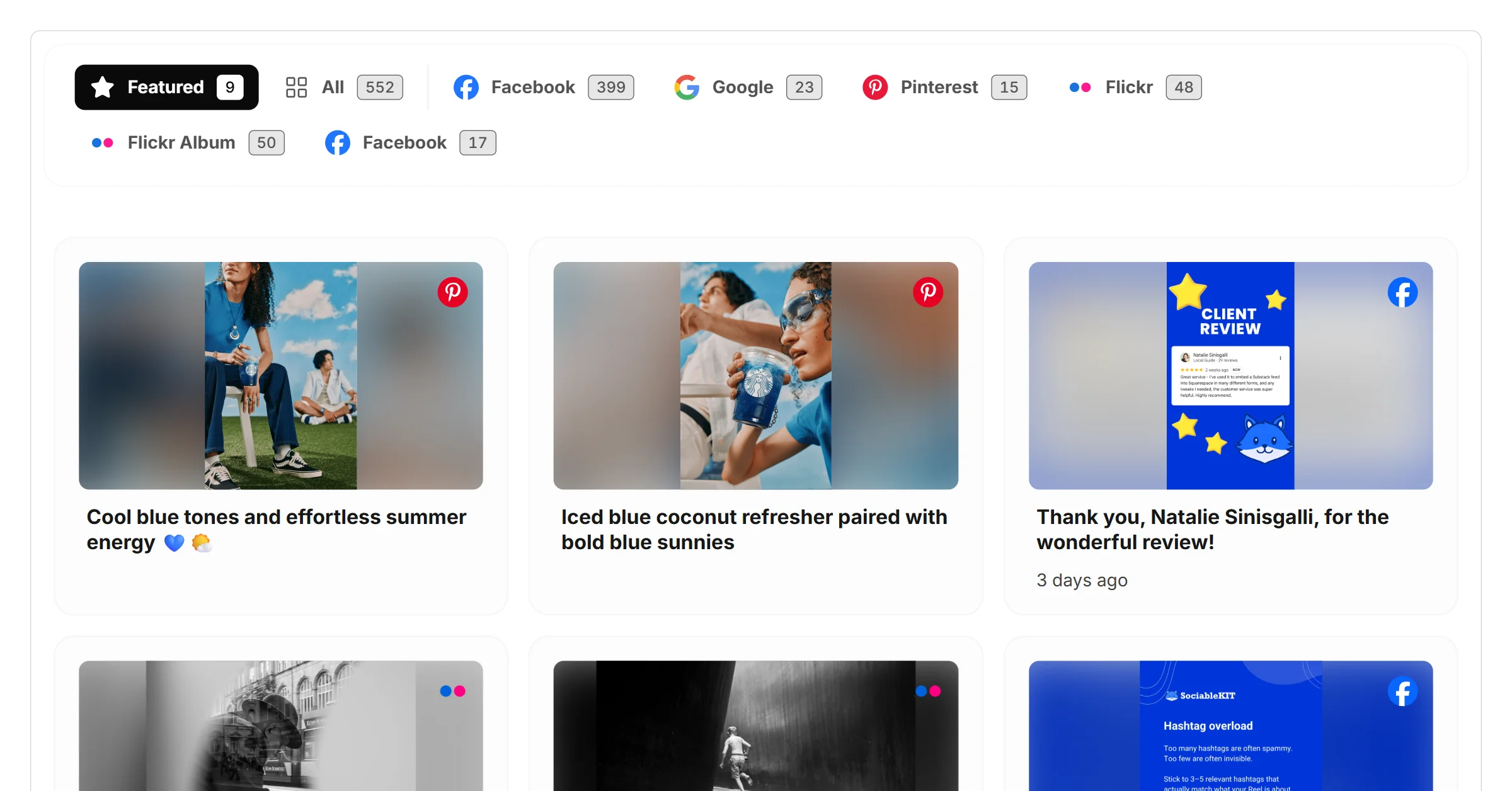
Display your photos in a clean grid layout that organizes images beautifully and makes it easy for visitors to explore your gallery.
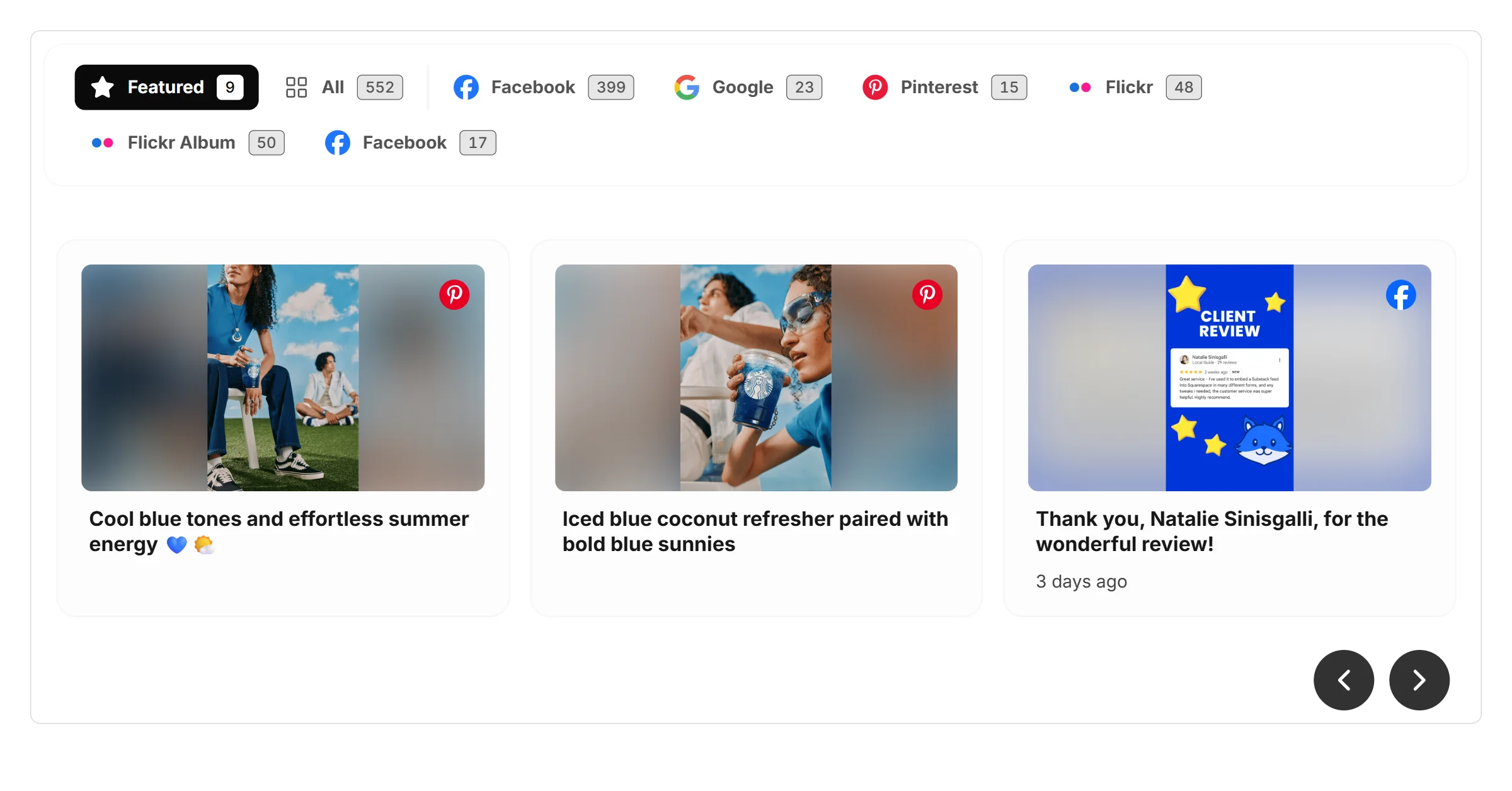
Display your photos in an interactive carousel layout that lets visitors browse images smoothly while keeping your website clean and engaging.
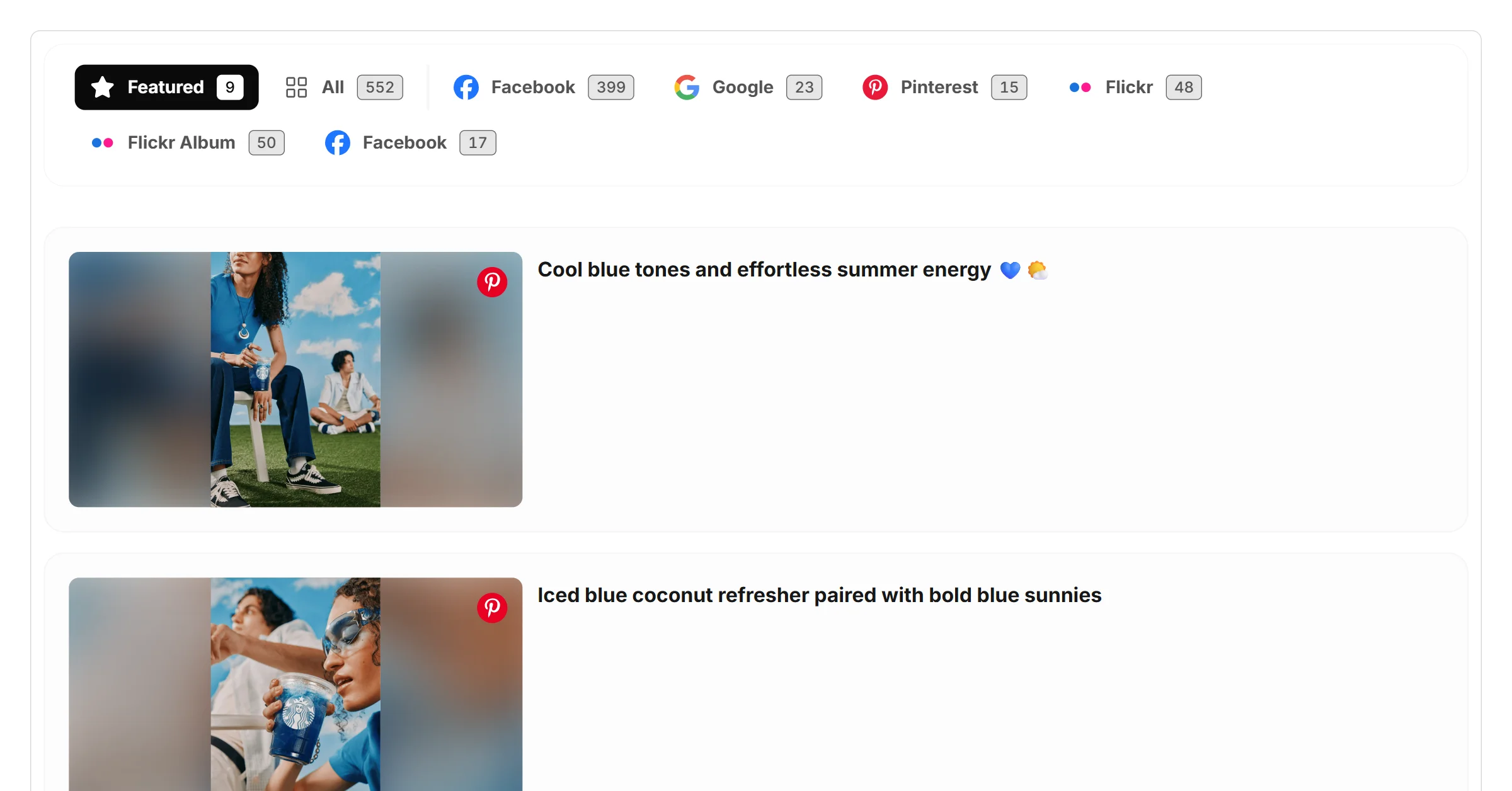
Display your photos in a clear list layout that makes images easy to browse and helps visitors explore your gallery.
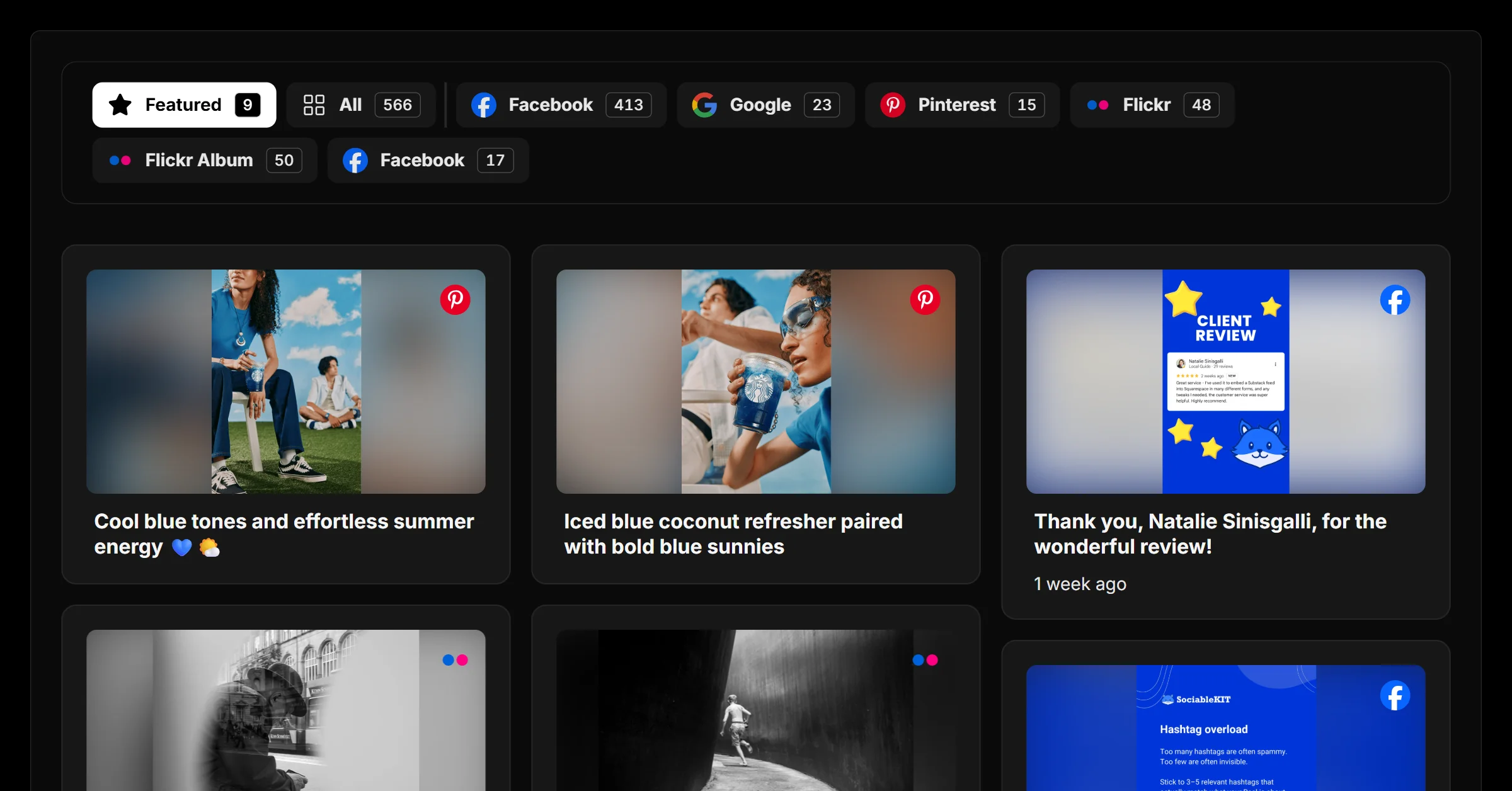
Display your photos in a sleek dark mode masonry layout that showcases images beautifully while giving your website a modern, engaging look.
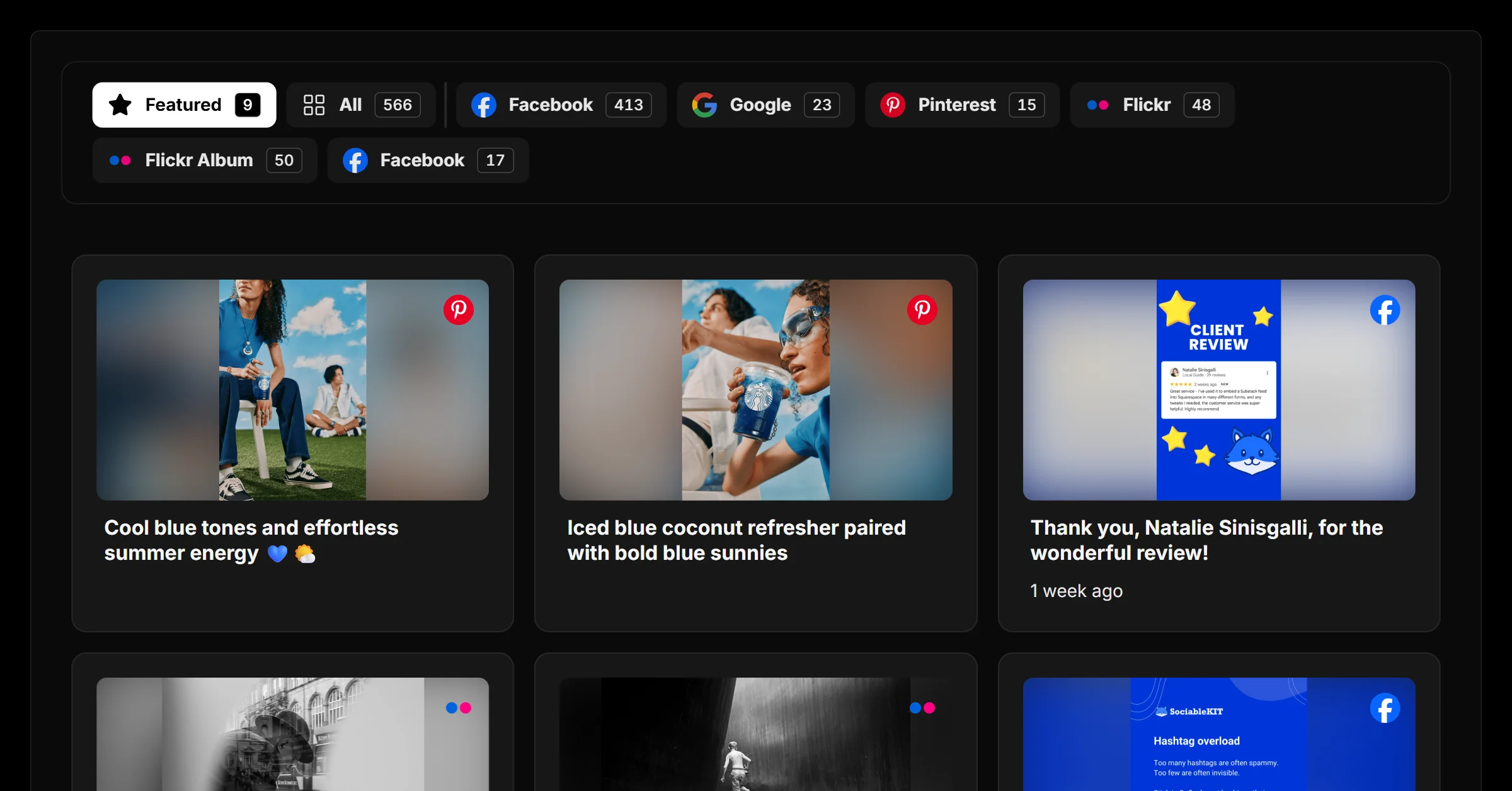
Display your photos in a sleek dark mode grid layout that organizes images clearly while giving your website a modern, polished look.
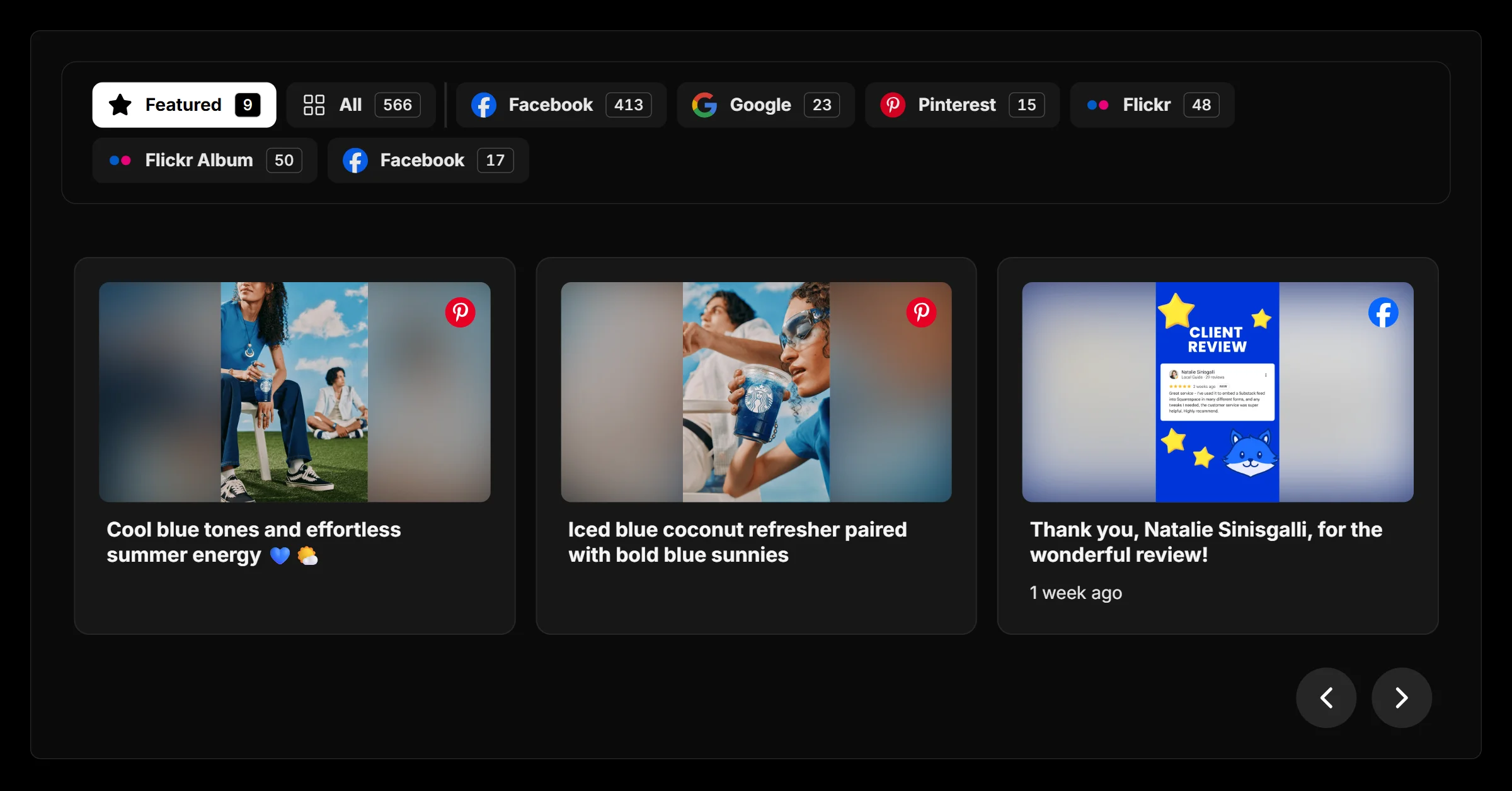
Display your photos in a sleek dark mode carousel layout that lets visitors browse images smoothly while giving your website a modern, engaging look.
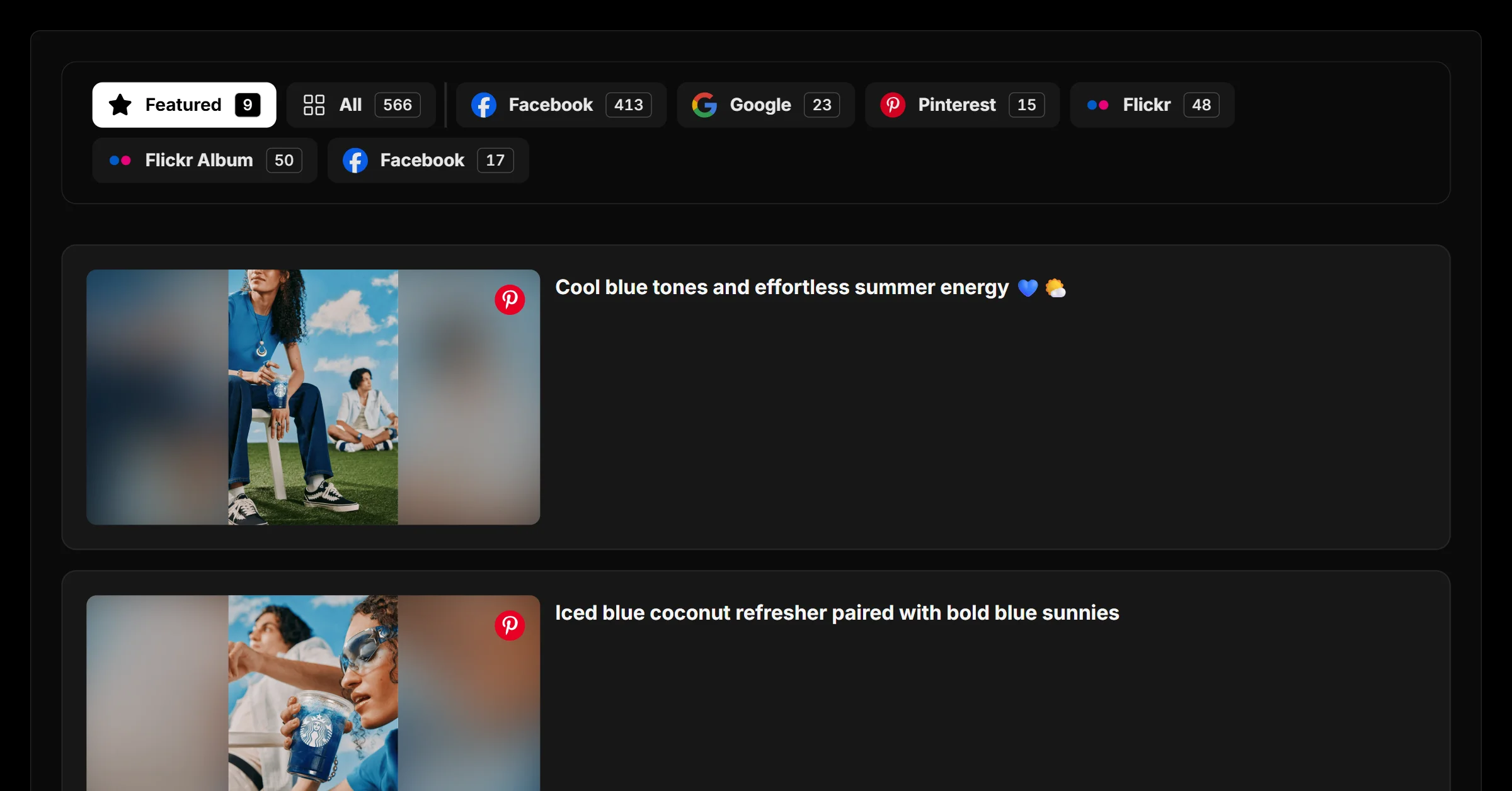
Display your photos in a sleek dark mode list layout that makes images easy to browse while giving your website a modern, polished look.
Why add it
Adding a photo gallery to your pages keeps content fresh automatically and turns passive visitors into engaged followers and customers.
Sign up free and start your photo gallery in seconds.
Start from any example above and match your brand colors, fonts and layout.
Copy one line of code and paste it on your site. Done.
Start from any example above. Create your photo gallery free — no credit card, no coding.
Create your widget free