Most popular
Masonry
Display X List posts in a masonry layout that showcases curated conversations in an engaging format to keep visitors informed and increase engagement.
What are you looking for?
 Example gallery
Display a Twitter List on your website to provide curated insights and connect your audience with expert voices in your industry.
Examples
These 6 x list examples are production-ready. Tweak the colors, fonts and layout to match your brand.
Display X List posts in a masonry layout that showcases curated conversations in an engaging format to keep visitors informed and increase engagement.

Display X List posts in a clean grid layout that organizes curated conversations clearly and helps visitors quickly discover relevant updates.

Display X List posts in a carousel layout that lets visitors browse curated conversations smoothly while keeping your website clean and space-efficient.

Display X List posts in a dark-themed masonry layout that highlights curated conversations beautifully and gives your website a modern, engaging look.

Display X List posts in a dark-themed grid layout that organizes curated conversations clearly and gives your website a modern, professional look.
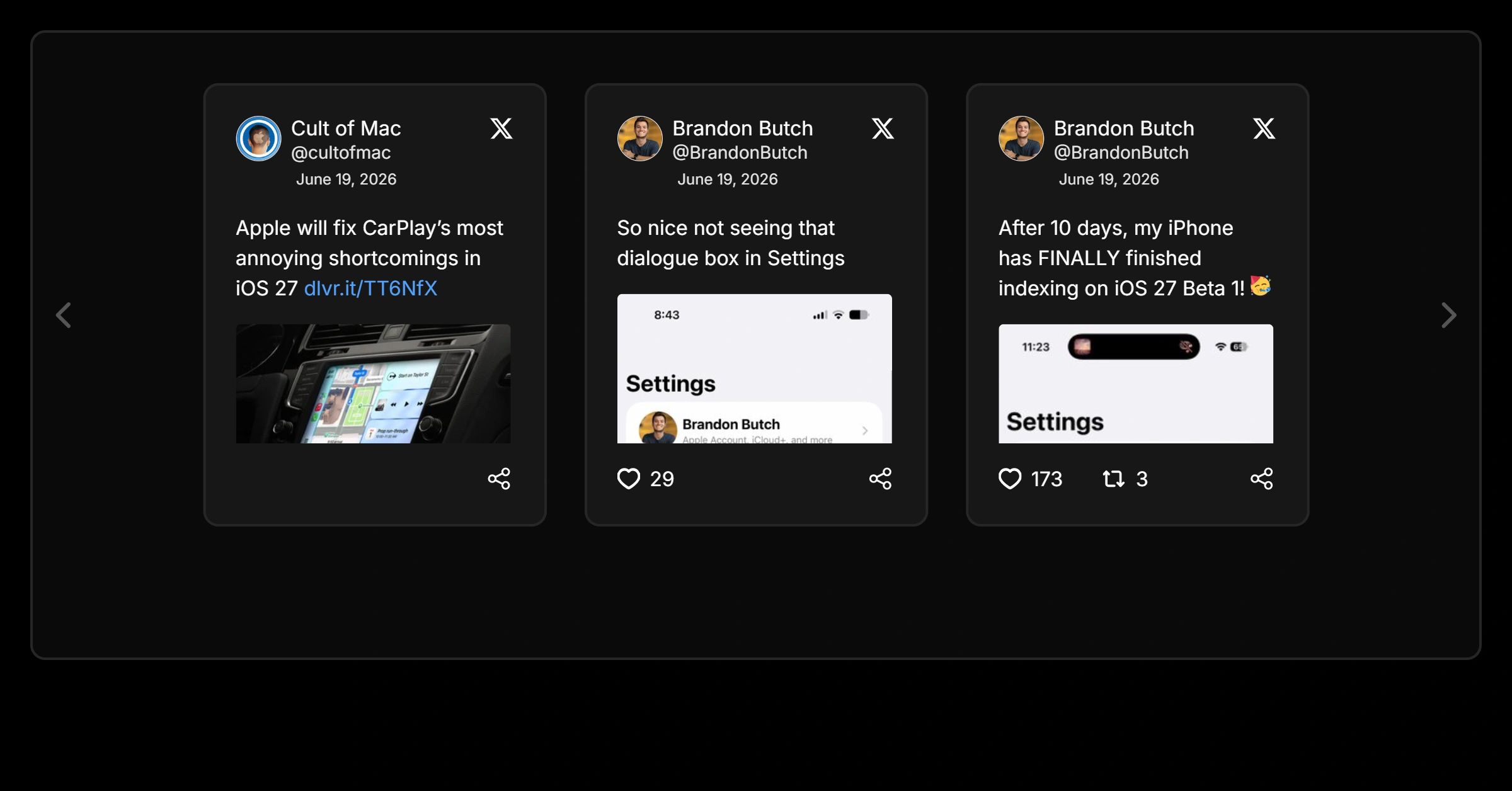
Display X List posts in a dark-themed carousel layout that lets visitors browse curated conversations smoothly while keeping your website modern and clean.
Why add it
Adding a x list to your pages keeps content fresh automatically and turns passive visitors into engaged followers and customers.
Sign up free and start your x list in seconds.
Start from any example above and match your brand colors, fonts and layout.
Copy one line of code and paste it on your site. Done.
Start from any example above. Create your x list free — no credit card, no coding.
Create your widget free