Masonry
Display your YouTube Community posts in a masonry layout that showcases updates of different sizes while keeping your content visually engaging and easy to explore.
What are you looking for?
Embed your YouTube Posts Tab on your website to foster a lively, interactive space where visitors can stay updated, engage with posts, and feel part of your brand's community.
Examples
Each youtube posts tab example is a live widget — not a mockup. Open the demo or start from it instantly.
Display your YouTube Community posts in a masonry layout that showcases updates of different sizes while keeping your content visually engaging and easy to explore.
Display your YouTube Community posts in a clean grid layout that keeps updates organized and easy for visitors to browse.
Display your YouTube Community posts in an interactive carousel that lets visitors easily browse updates while keeping your page clean and engaging.
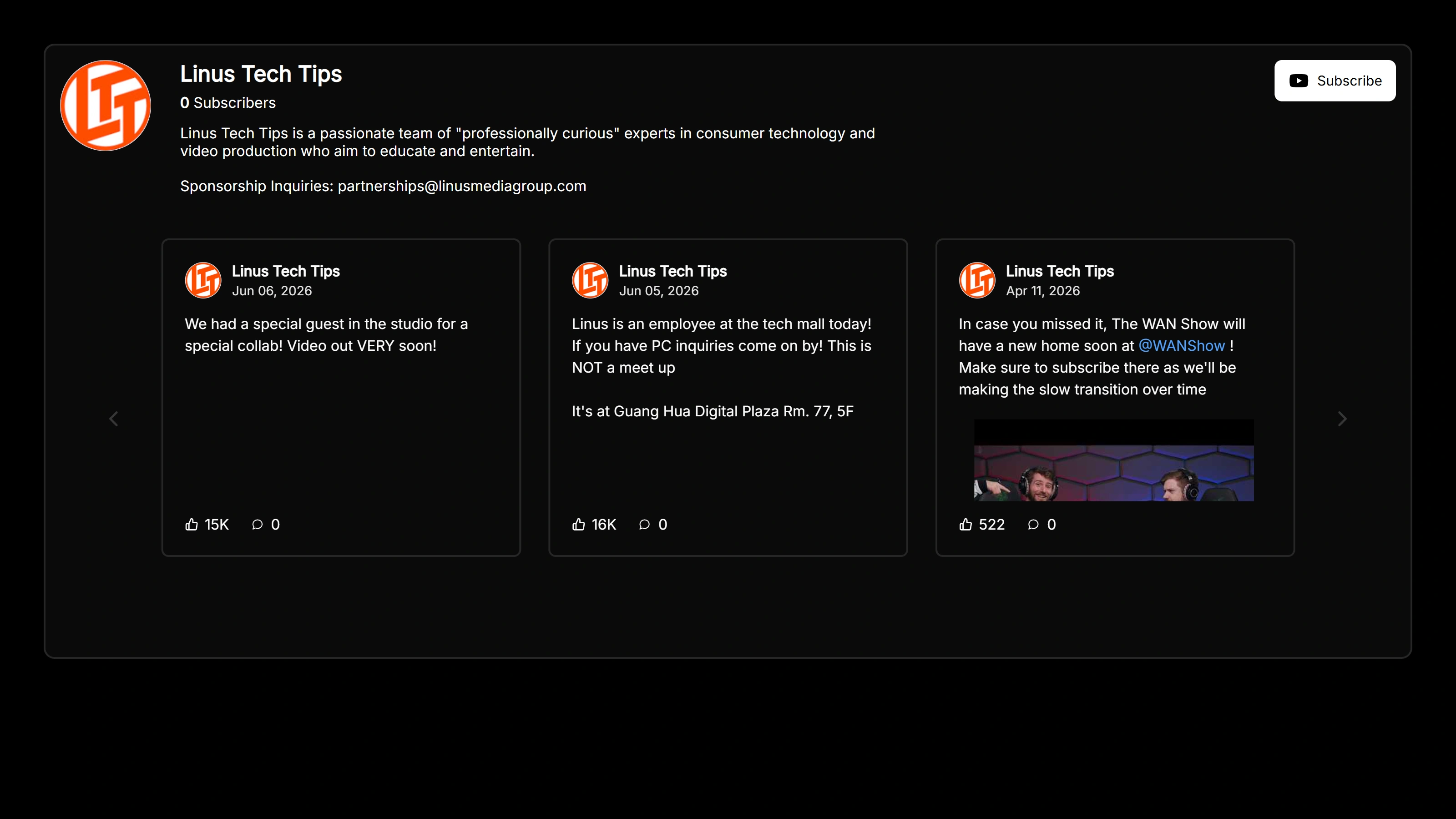
Display your YouTube Community posts in a dark-themed masonry layout that highlights updates in a visually engaging format while matching modern dark websites.
Display your YouTube Community posts in a clean dark-themed grid layout that keeps updates organized and easy to browse across your website.
Display your YouTube Community posts in an interactive dark-themed carousel that lets visitors browse updates smoothly while maintaining a modern look.
Why add it
A youtube posts tab example on your site builds instant credibility, increases time on page, and gives shoppers the confidence to buy.
Sign up free and start your youtube posts tab in seconds.
Start from any example above and match your brand colors, fonts and layout.
Copy one line of code and paste it on your site. Done.
Start from any example above. Create your youtube posts tab free — no credit card, no coding.
Create your widget free