



Your Content Aggregator on Bootstrap website — live in 3 steps
SociableKIT syncs your content aggregator automatically. Set up once, embed anywhere — free to start, no coding required.
-
Create in 60 seconds
Pick Content Aggregator in the dashboard and connect your source.
-
Match your brand
Colors, fonts, layout — tune it until it feels native to your site.
-
Paste one line of code
Drop the embed snippet on your Bootstrap website. No dev team needed.
Embed Content Aggregator with SociableKIT — step by step
Create your widget in the dashboard, copy the embed code, and paste it on your Bootstrap website. Screenshots included so you never get stuck.
Create and customize your Content Aggregator widget
The first part is creating your Content Aggregator widget using the SociableKIT dashboard. Customize the look and feel to match your brand. Follow the steps below.
-
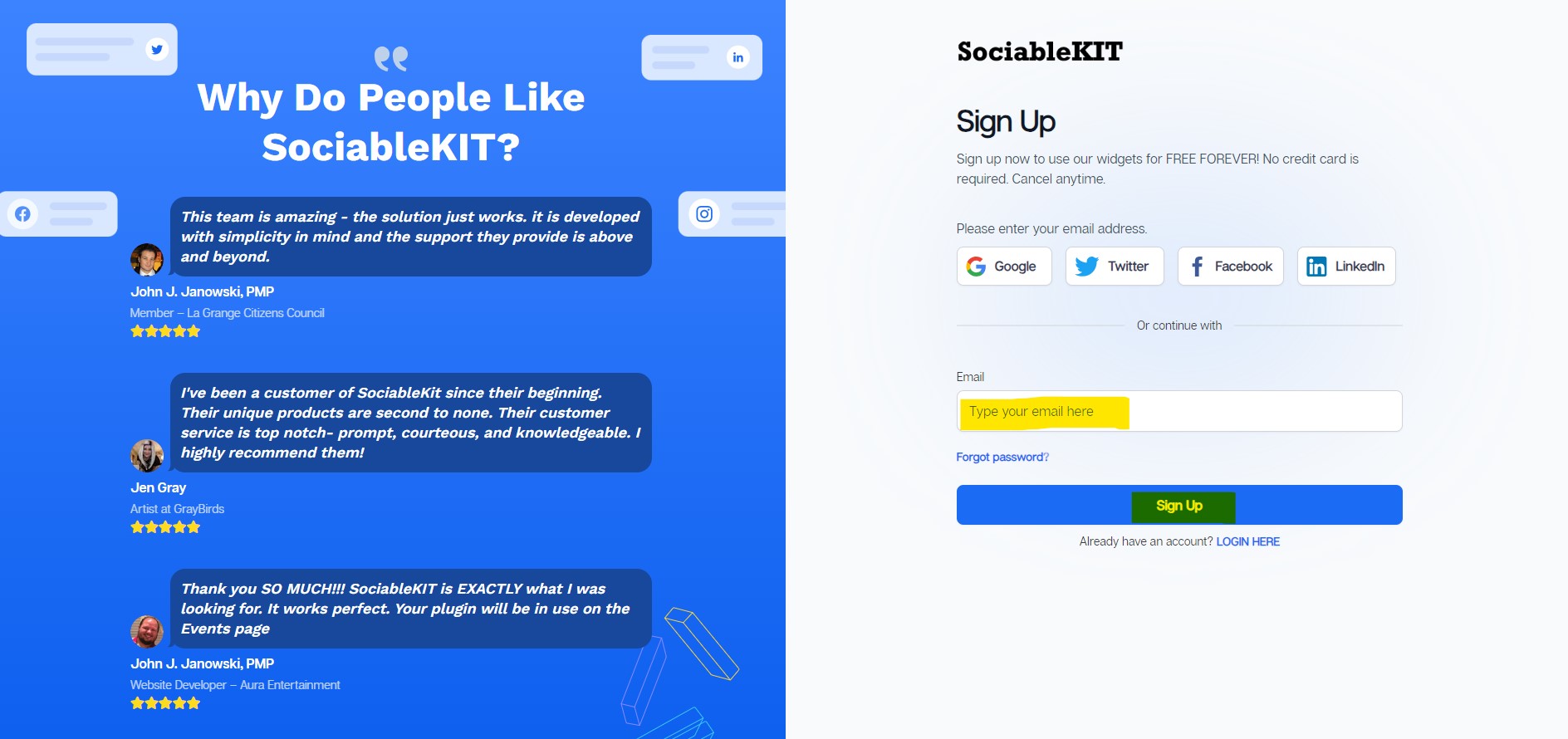
Sign up FREE or login to SociableKIT. You can login here if you already have an account. Once you sign up, you will start your 7-day premium trial. After 7 days, you can activate the free plan if you don't need our premium features.

-
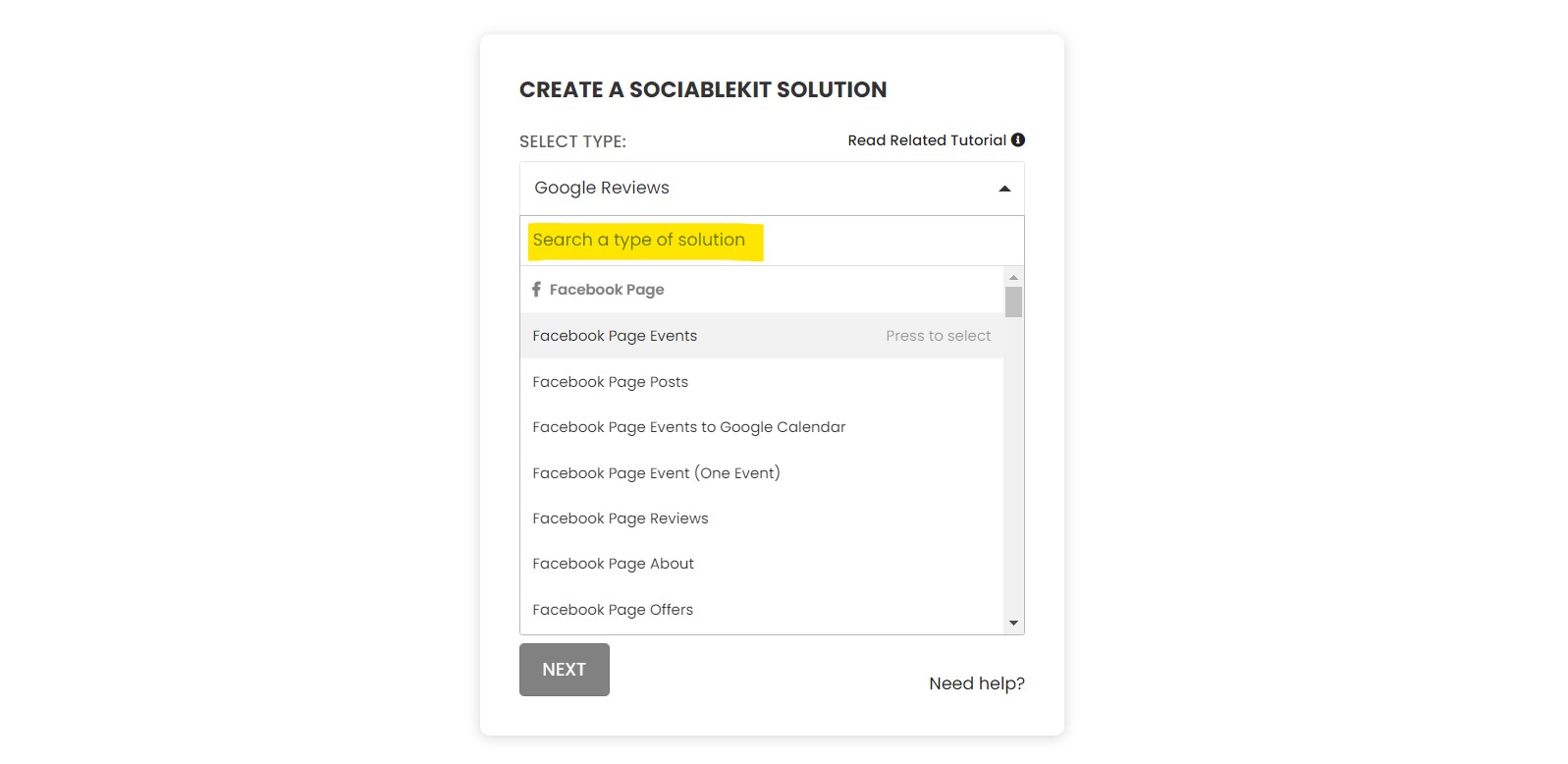
Select "Content Aggregator" on the dropdown. SociableKIT offers several social media feeds widgets. You might need to search it using the highlighted area below. Once found, you can then select it.

- Select the data sources that you want for your aggregator. The most common combinations we see are Instagram hashtag feed, Twitter hashtag feed, LinkedIn hashtag feed, and Facebook hashtag feed. Another combination can be Google reviews and Facebook page reviews. You can combine any data source with any of our 70+ sources and widget types. See this example.
-
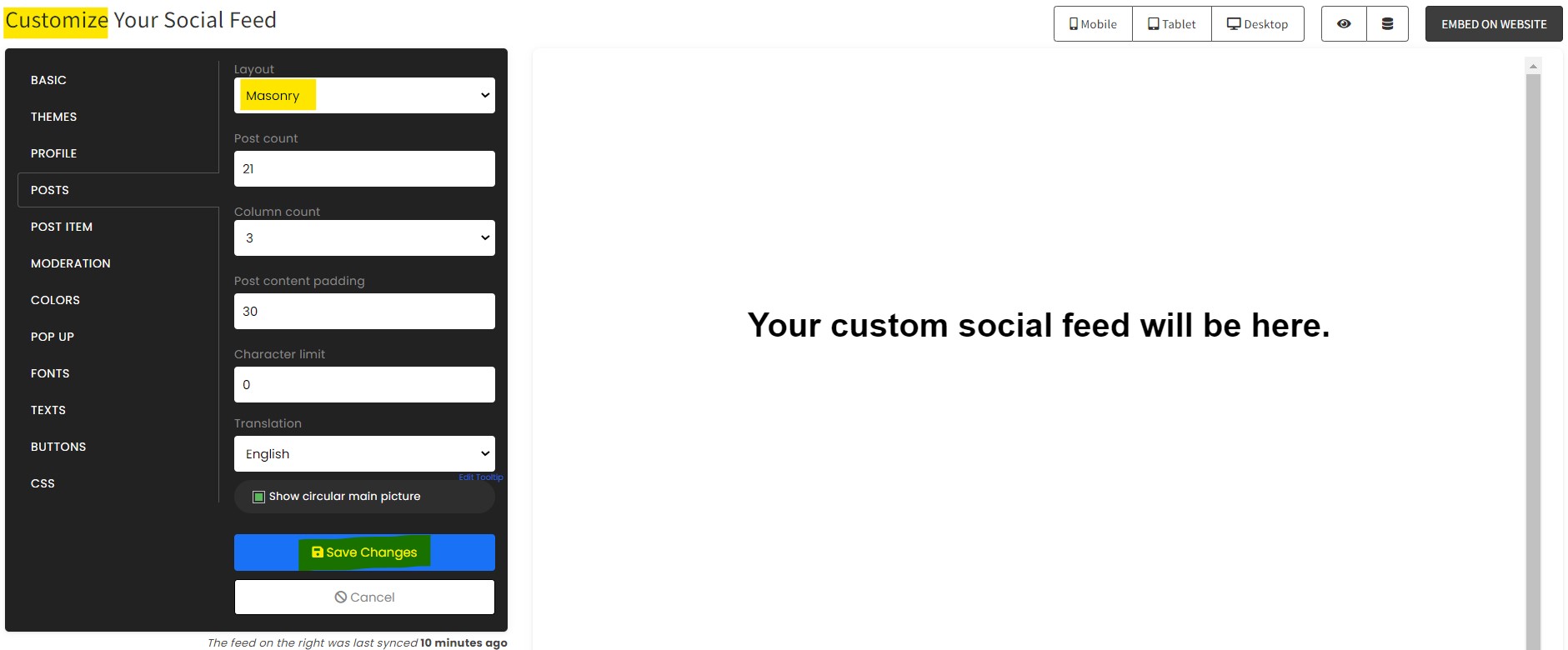
Customize your feed. Click the "NEXT" button to show the customization options of your social feed. You can change the layout, colors, font, and more to match your brand. Click the Save changes button.

-
Copy the embed code. Click the "Embed on website" button on the upper right corner. Select your website builder. On the popup, copy the JavaScript embed code.

- Paste the embed code and save your Bootstrap website page. Please follow the second part below to add Content Aggregator widget to your Bootstrap website .

Add Content Aggregator widget to your Bootstrap website
The second part is adding your Content Aggregator widget to your Bootstrap website . After you customize your Content Aggregator widget and copied the embed code, it is time to add it to your Bootstrap website . Follow the steps below.
- Copy your free Content Aggregator widget embed code. Make sure you followed the first part above. It detailed how to you can create and customize your widget to get your free embed code.
- Prepare your HTML structure: Ensure you have a container or a suitable location where you want to embed the widget. Let's assume you have a Bootstrap column where you want to place it.
![]()
- Insert the JavaScript for embedding: Place the JavaScript just before the closing