How Instagram feed keep your website content fresh and engaging?
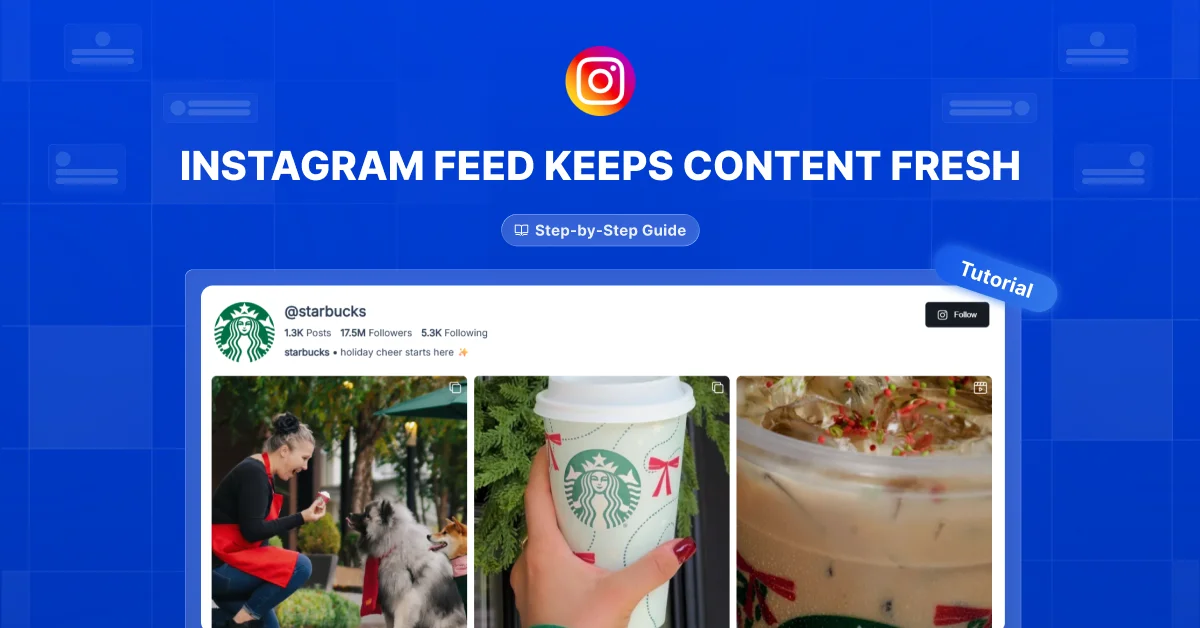

An Instagram feed can keep your website fresh by bringing recent photos, videos, and updates onto your pages. This article explains how to use that content to give visitors more to explore and a clearer picture of your business.
Keeping your website updated takes time, especially when you already create content for Instagram. You’ll learn how to make those posts work harder while giving website visitors useful reasons to stay interested.
Many businesses post regularly on Instagram but leave the same old content on their websites. Others add a feed and expect it to engage visitors without checking whether the posts are useful or relevant. Start by choosing content that answers questions, shows your work, or helps visitors get to know you.
A fresh website gives people something new to see and something useful to remember.
Let Your Latest Work Speak
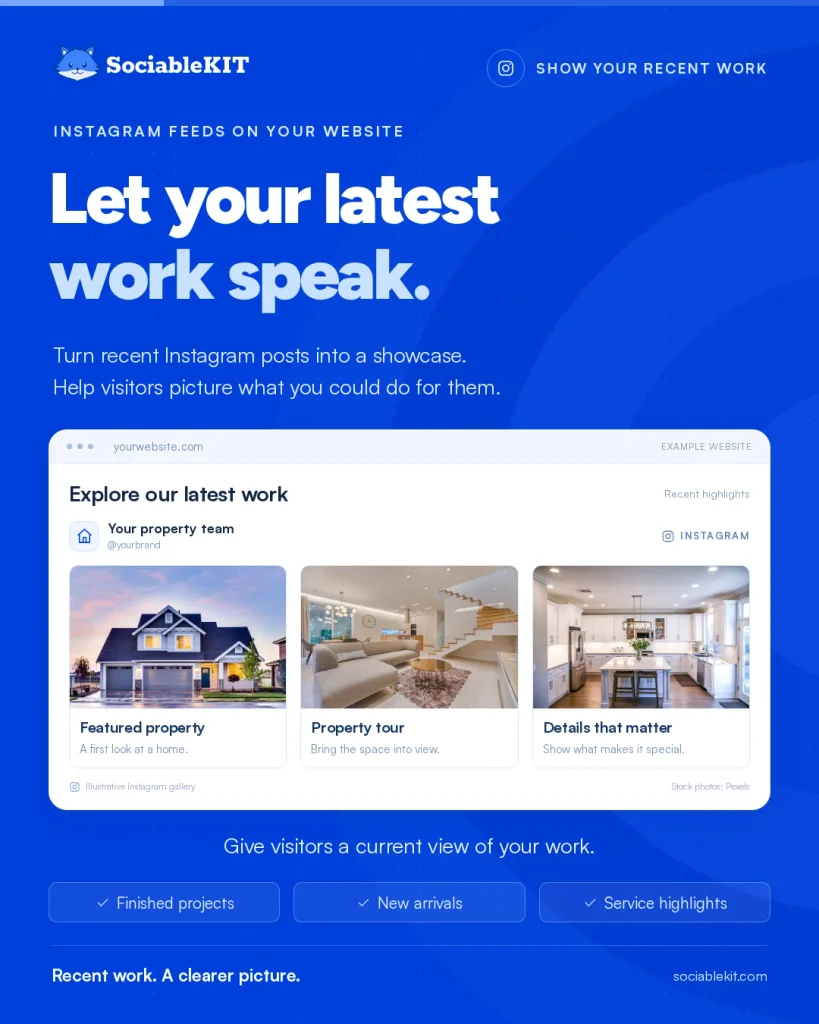
Your Instagram feed can act as a changing showcase of your recent work. Share finished projects, new arrivals, or service highlights that help visitors understand what you offer.
Katie Madio Homes displays Instagram posts on its homepage. Its feed includes featured properties, real estate updates, and content from behind the scenes. This gives website visitors another way to explore the business alongside its main property information.
Show recent work that helps visitors picture what you could do for them.
Turn Products Into Possibilities
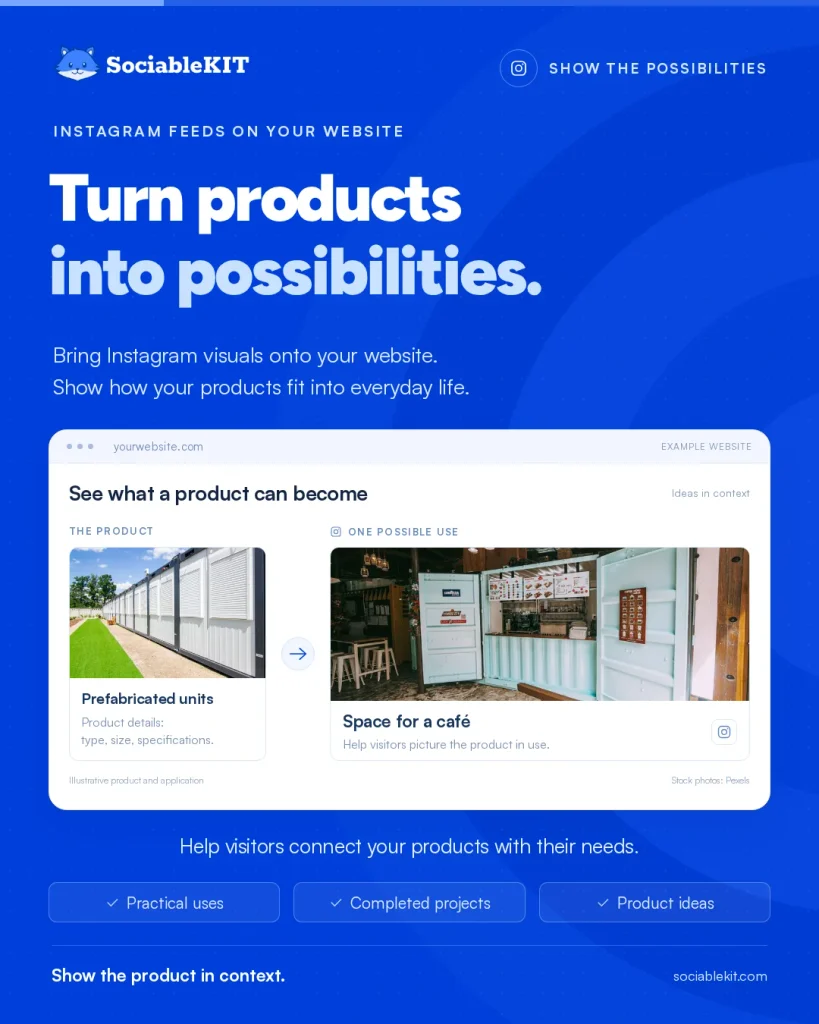
Product descriptions explain what you sell, while Instagram photos can show how people might use it. Bring those visuals onto your website to help visitors connect your products with their own needs.
Economic Container produces and distributes prefabricated containers across the Balkans. It displays Instagram posts featuring container projects and product updates on its website. These examples show how completed projects can complement basic product information.
Choose posts that show what your products make possible.
Show the People Behind the Brand
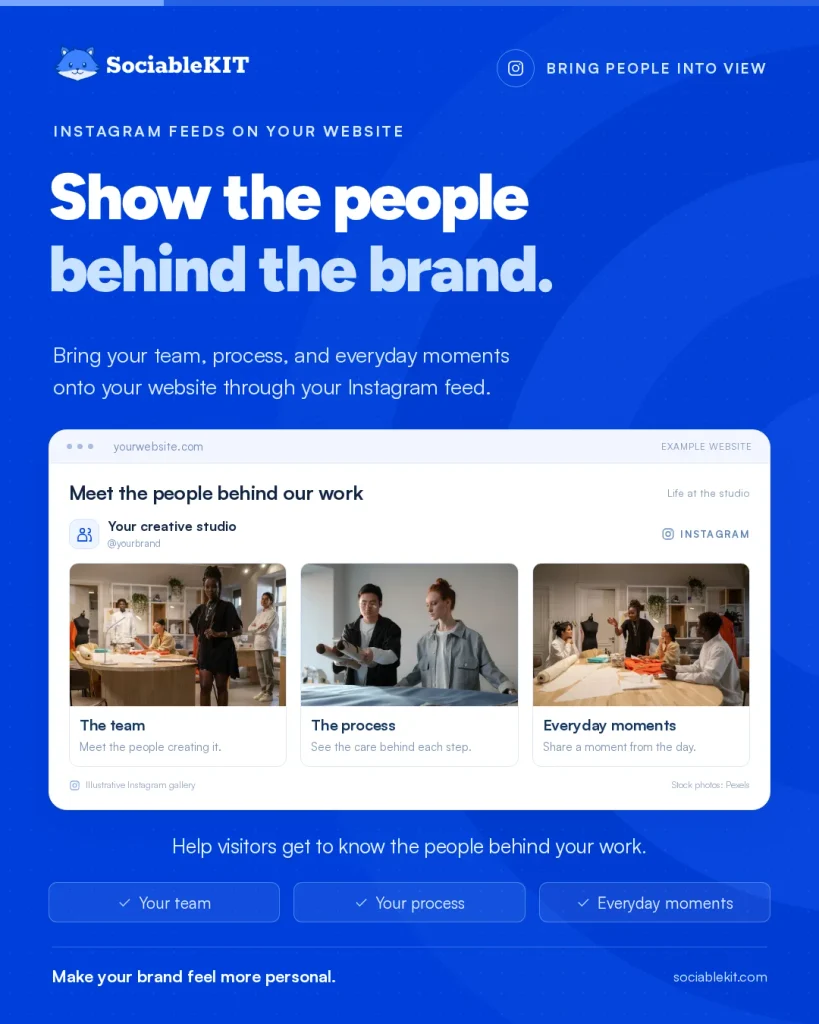
Your website can feel more personal when visitors see the people and effort behind your business. Use your Instagram feed to share your process, team, and everyday moments alongside promotional posts.
Petit Picotin shared a look behind the scenes of a photo shoot in Marseille. The brand explained that footage from the shoot supplied Instagram content, including interviews and moments from the day. Its approach offers a useful model for creating personal content you can also feature on your website.
Help visitors get to know the people creating the products or services they see.
Give Customers a Place in Your Story
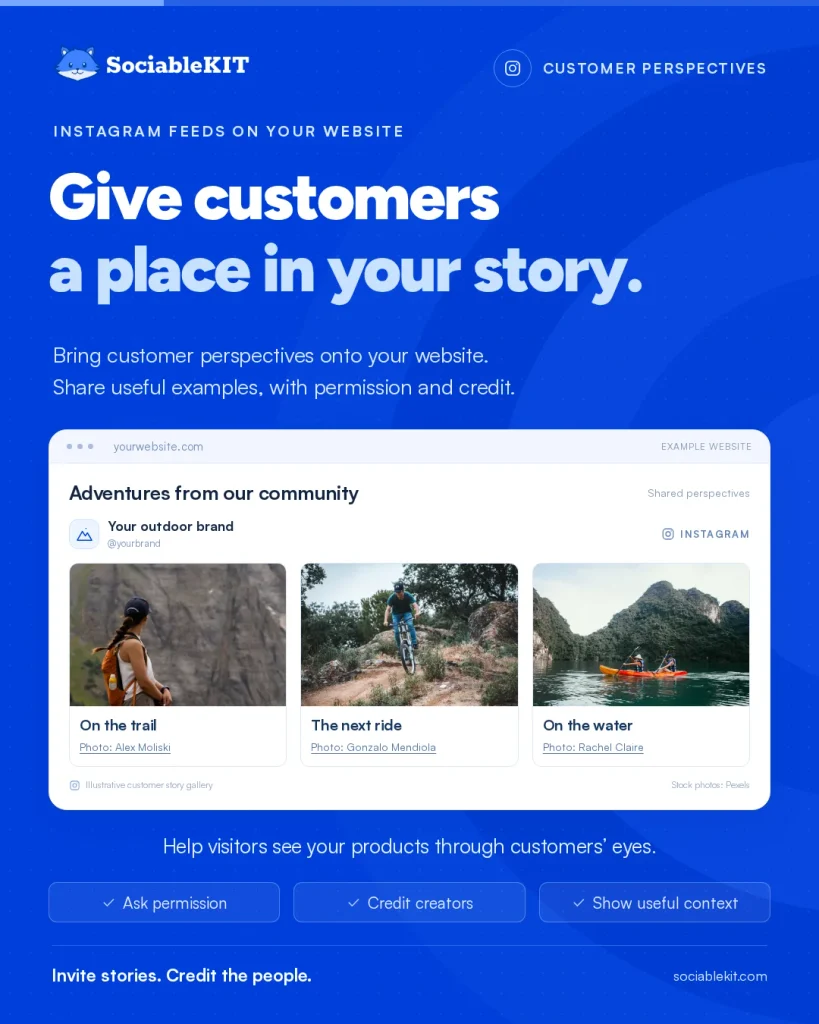
Customer photos and videos can bring fresh perspectives to your Instagram feed and website. Ask permission before sharing them, credit the creators, and choose examples that help visitors understand your products.
GoPro invites users to submit photos and videos through its GoPro Awards program. Selected work can receive rewards and appear on the brand’s social channels. This shows how customer participation can become a source of varied visual content.
Let customer experiences add variety and practical context to your content.
Make Updates Worth Exploring
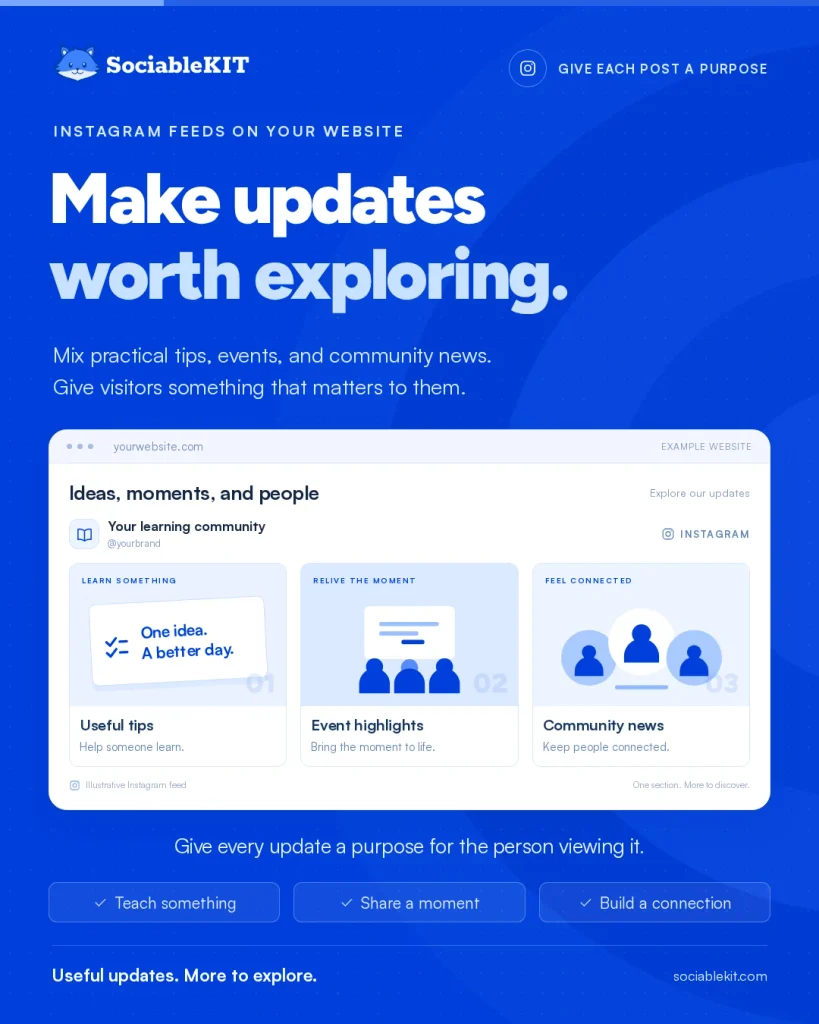
Fresh content becomes engaging when it connects with what visitors care about. Use your Instagram feed to share useful news, community stories, and updates worth exploring.
The University of Canberra includes an Instagram feed on its website, alongside LinkedIn and Facebook feeds. Visitors can switch between tabs to explore posts without leaving the page. Automatic updates keep the section fresh while reducing manual work for the university team.
Bring relevant Instagram updates onto your website so visitors can easily discover what’s happening.
Let a Widget Do the Repeating
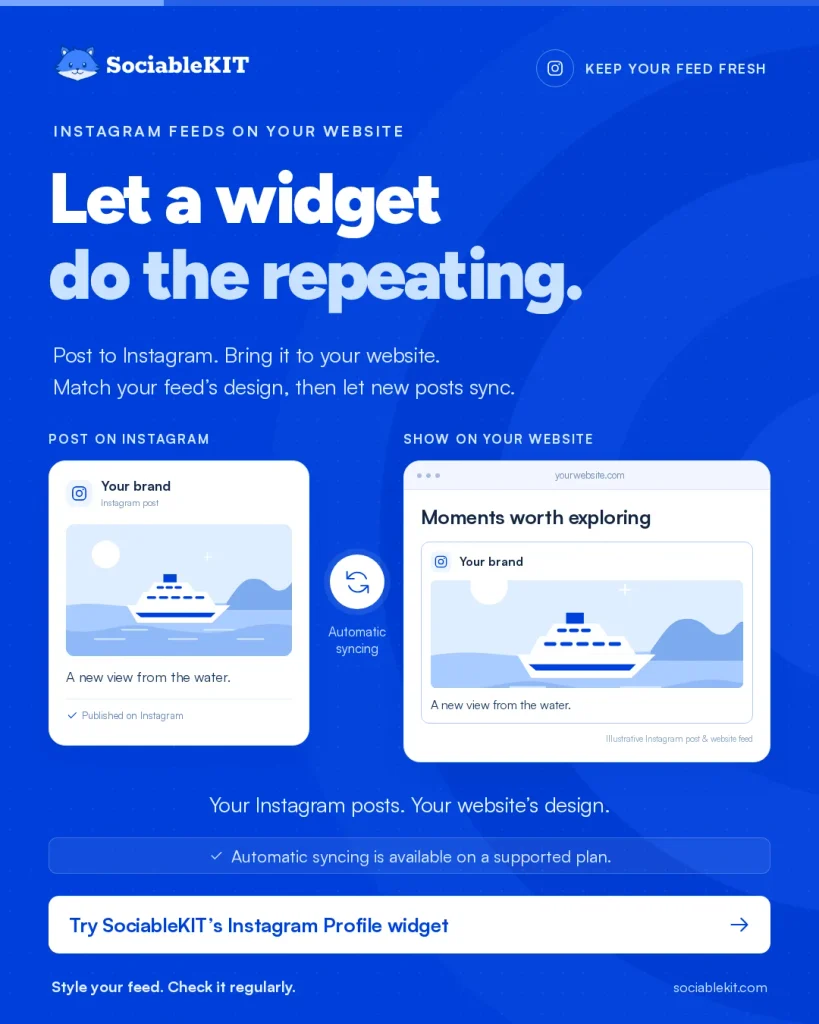
A website widget lets you display your Instagram feed without copying every post onto your pages. Choose one with automatic updates, match its design to your website, and check the feed regularly.
Prestige Cruises uses an Instagram feed widget on its website. The feed brings social content into the browsing experience. It provides a practical example of using a widget to make existing Instagram content available to website visitors.
Use the Instagram Profile widget from SociableKIT to display your posts and keep your website updated with automatic syncing on a supported plan.
Keep Your Website Fresh
An Instagram Feed widget helps your website show recent work, products in use, your team, and happy customers, keeping visitors engaged while saving you the effort of updating pages by hand. I suggest you create a free Instagram Feed widget and place it near the parts of your website where visitors look first, like the homepage or a product page. Keep your posts clear and current, and visitors will feel more confident that your business is active and worth their attention.